DevelopmentHow To
Disable Individual Theme Update Notification WordPress
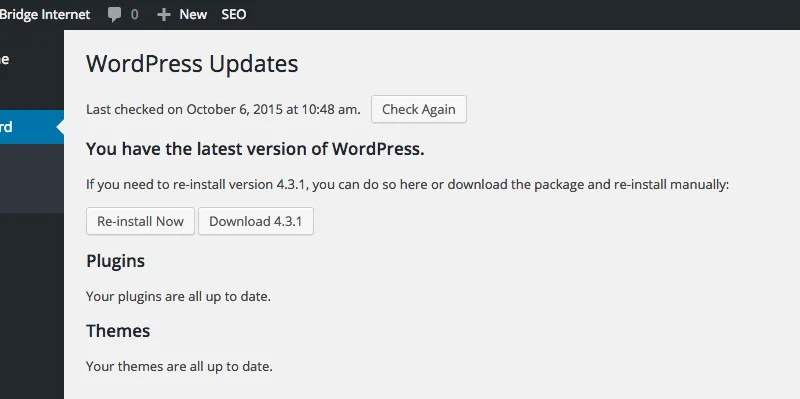
You can disable the WordPress update notification/nag for a single individual theme with the following code snippet.
You can disable the WordPress update notification/nag for a single individual theme with the following code snippet.
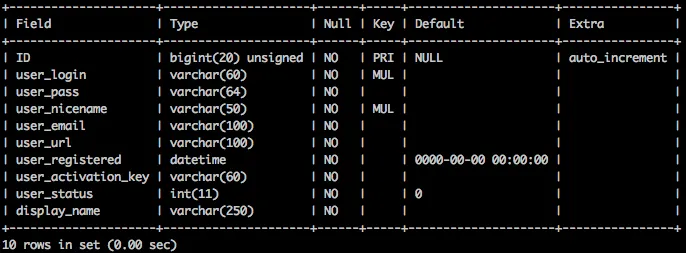
A simple post with a MySQL query to find user account with Administrator access for WordPress database.
If you need to hide the W3 Total Cache sidebar and admin bar menu item links from non-Administrators you can use the following in your functions.php

It’s surprisingly simple to remove the extra columns added by the WordPress SEO by Yoast plugin. Here’s a screencast that shows you how.
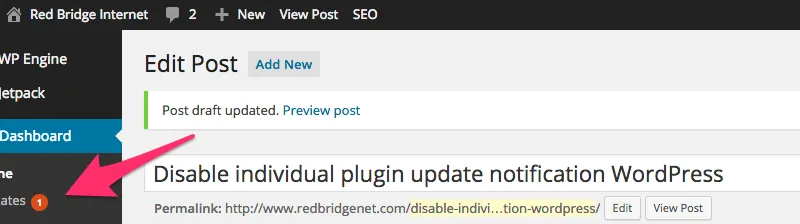
You can disable a WordPress plugin update notification/nag with a simple function added to your theme’s functions.php file.

Do you have questions on the topic of how to handle online content marketing optimization for voice search? Today I came across a well outlined post by Silvio Porcellana, on SEMRush, titled “How To Optimize Your Online Marketing For Voice Search“. … Read More

It took me a while to find the answer to how to deactivate Genesis SEO and replace with WordPress SEO by Yoast. The answer is a simple one: Just install WordPress SEO by Yoast. That’s it. Genesis Framework has built in … Read More
New clients often want to know how to use tags and categories in WordPress. If you are new to WordPress it can potentially be a bit confusing. Once you understand the roles of tags and categories it’s pretty easy to … Read More
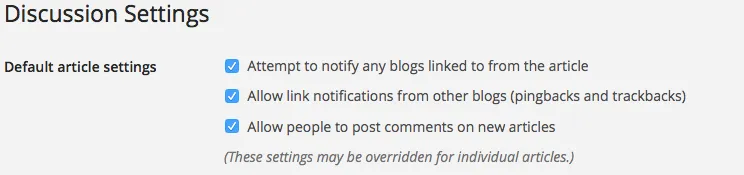
This post explains how to disable comments in WordPress on pages and posts. I’ll explain how this can be done on newly created pages and posts as well as existing pages you have on your site. Handling this task is … Read More
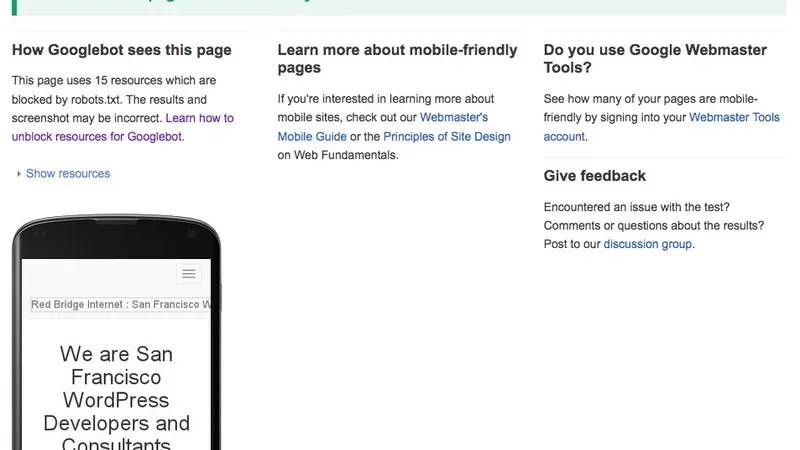
Want to know how to make a WordPress website mobile friendly for Google? In this post I will outline the essential reasons and factors that are involved in getting your website mobile friendly today. Why make your WordPress Site Mobile … Read More
Often times we hear from clients that they want to know how to add notes to WordPress dashboard so they can share thoughts with other users on their site. Good news! There is a great WordPress Plugin that will allow … Read More
Since WordPress 3.7 security and minor releases are automatically updated in a typical WordPress install. For some WordPress hosted sites the need may arise to turn off the automatic update feature and manually handle these updates at a later time. … Read More